
 Tucario
 English
  Deutsch
  Français
  Español
  日本語
日本語  Português
  Polski
  العربية
  Install from AppExchange
 Installation
How to install Smarter Files in your Salesforce org.
Free Edition (GitHub)
- Clone or download the repository from GitHub.
- Deploy to your Salesforce org using Salesforce CLI:
sf project deploy start --source-dir force-app- Navigate to a record page in Lightning App Builder and drag the Smarter Files component onto the layout.
One-Click Deploy (Alternative)
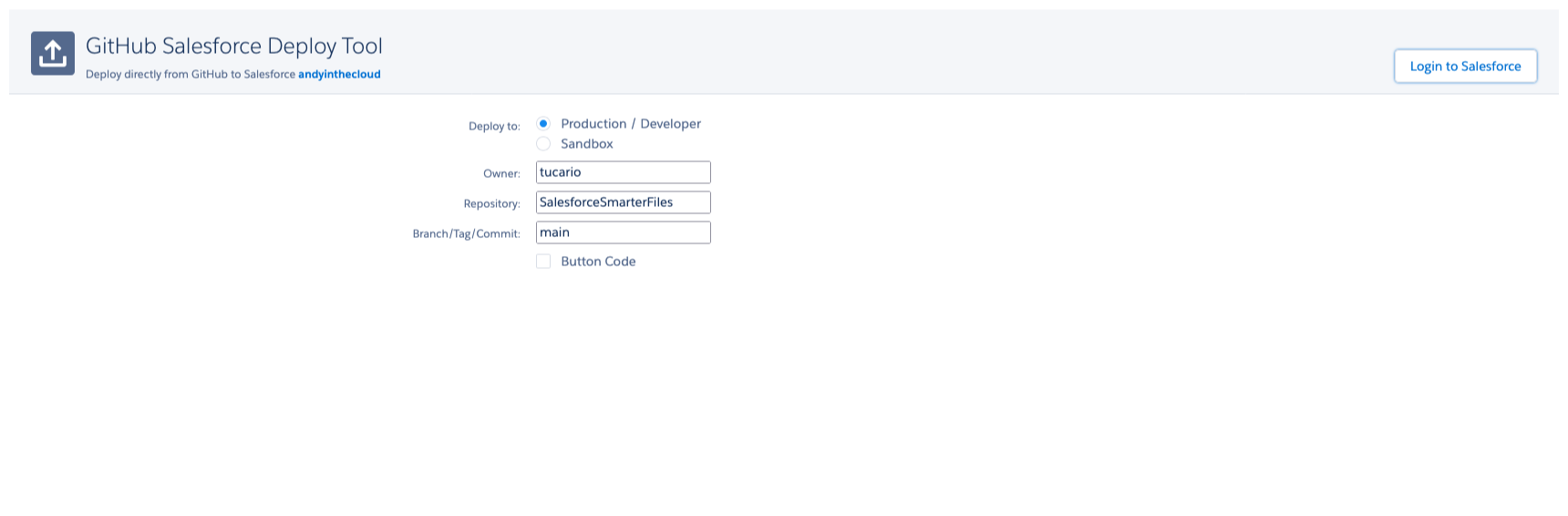
You can also use the GitHub deploy tool to install directly into your org:
- Choose your environment (Production or Sandbox):
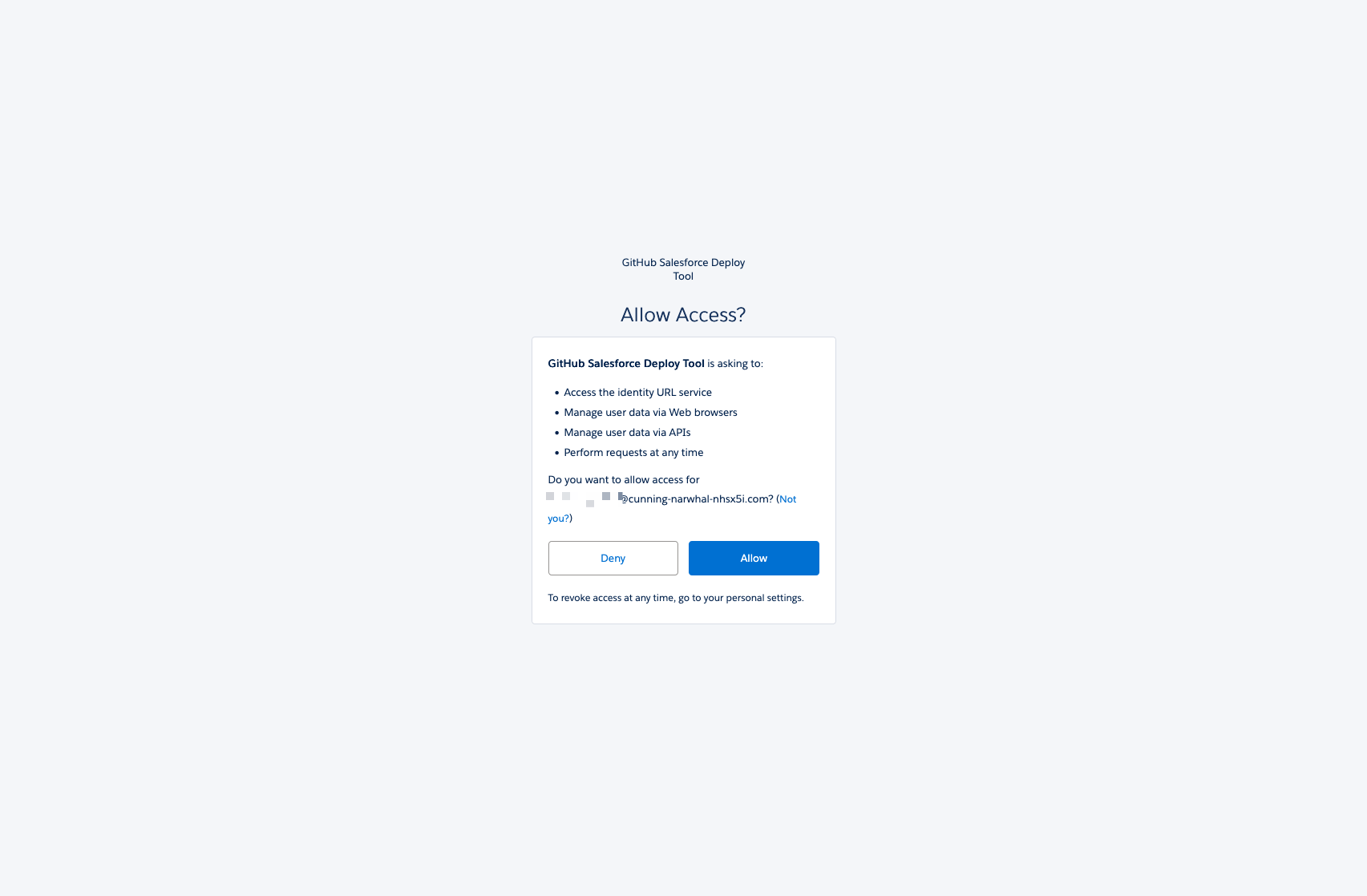
- Allow access to your Salesforce org:
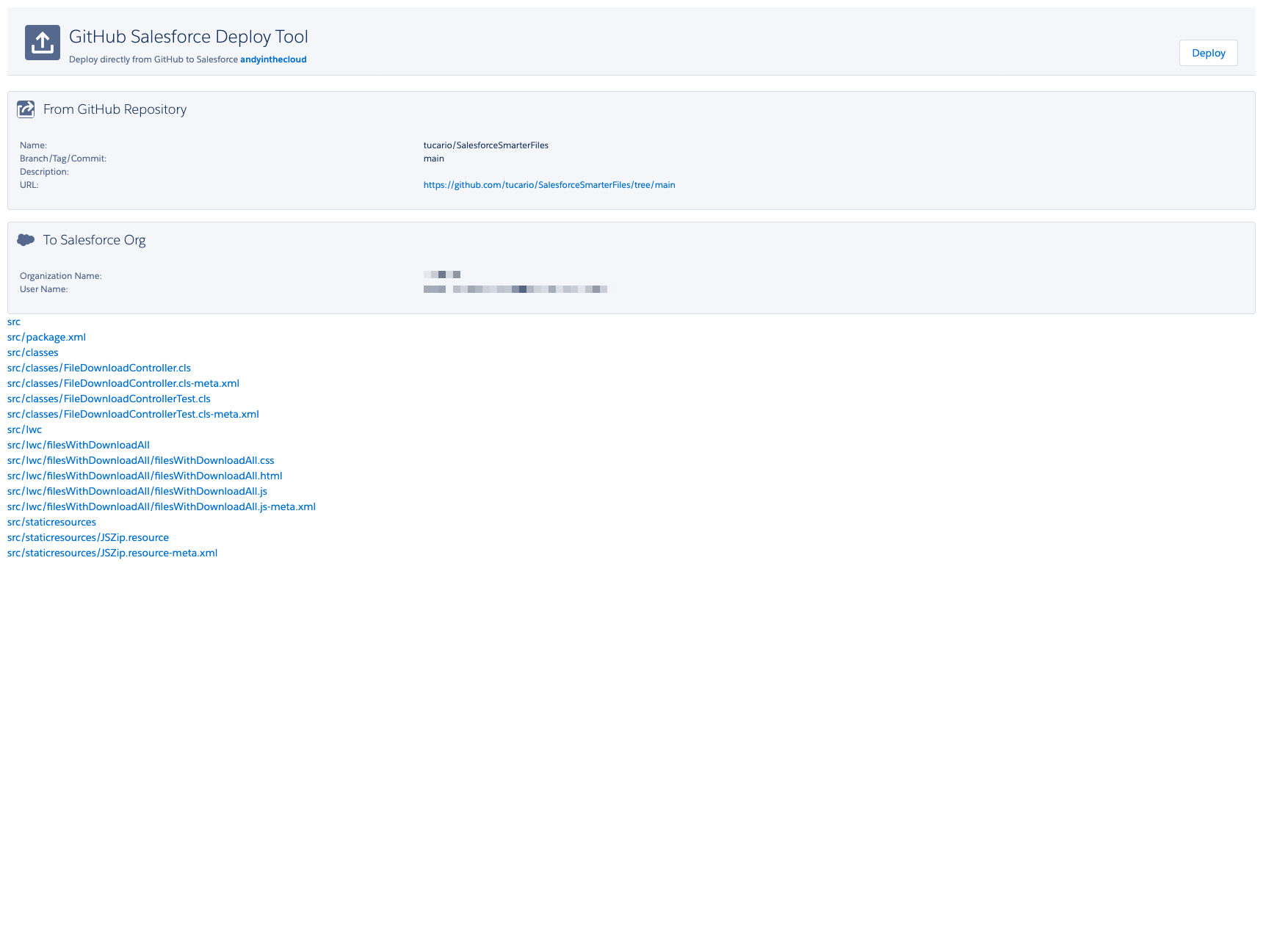
- Confirm the components to deploy:
AppExchange Edition
- Install from AppExchange.
- Drop the Smarter Files component on any record page using Lightning App Builder.
- Configure visibility rules in the component settings panel.
Requirements
- Salesforce Enterprise, Professional, or Unlimited edition.
- Lightning Experience enabled.
- Platform license is sufficient — no full Salesforce license required.