
 Tucario
 English
  Deutsch
  Français
  Español
  日本語
日本語  Português
  Polski
  العربية
  Install from AppExchange
 Views & Sorting
List view, tile view, and sorting options in Smarter Files.
List & Tile Views
Switch between a compact list view and a visual tile view. The component remembers the user’s preferred view.
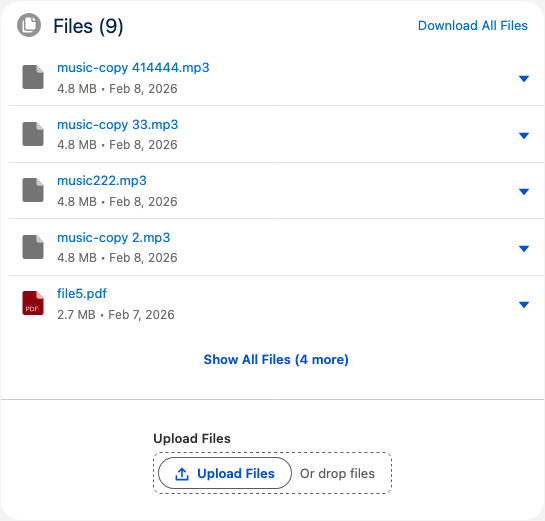
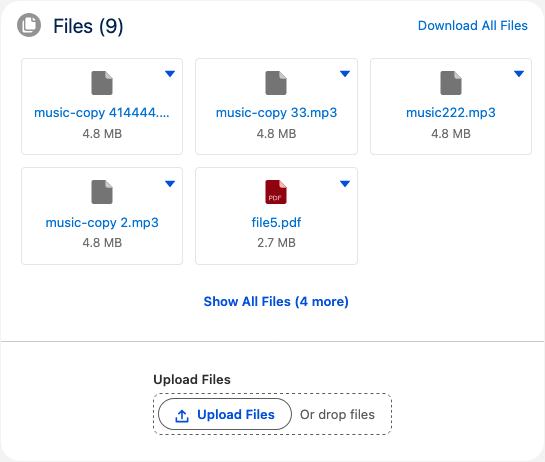
The default view can be set by the admin in the component properties (Display Mode).
Sorting
Files can be sorted by:
- Date (Newest / Oldest) — by last modified date
- Size (Largest / Smallest) — by file size
- Name (A–Z / Z–A) — alphabetically
The default sort order is configurable via the Default Sort Order property in Lightning App Builder. Users can change the sort order at runtime using the sort dropdown.